
 Now testing on AndroidBeta
Learning that adapts to the child — not the other way around.
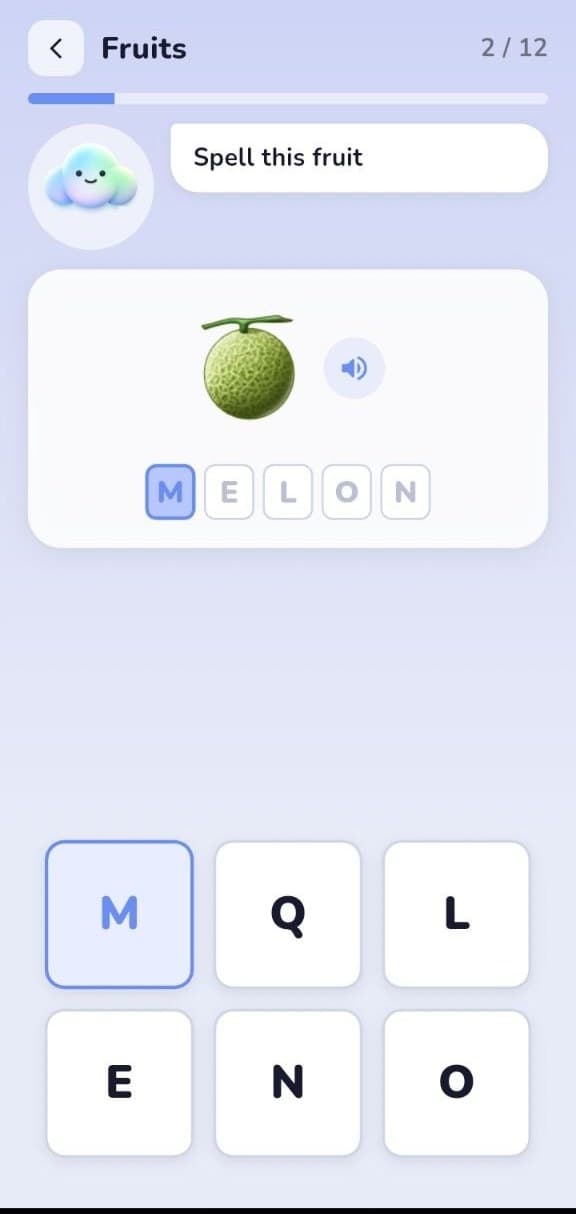
Helping every child learn at their own pace. FlexiKeys teaches typing, literacy, and digital interaction to children ages 3–10 — built first for children with motor difficulties, and just as great for every child.
Parents · Rehabilitation centers · Inclusive schools · Speech & occupational therapists
Android Beta · Free · Currently available for testing
- MVP Built
- First Field Validation Completed
- Iterating with Real User Feedback
The problem
Most digital interfaces assume a level of motor precision a lot of children don't have.
Small buttons, fast timing, and single-input gestures aren't neutral design choices — they quietly decide who gets to use a product at all.
Cerebral palsy is the most common motor disability of childhood, affecting movement, balance, and posture.
CDC
It's a spectrum — many children also have differences in speech, vision, hearing, or attention alongside motor ability.
Damiano et al., 2021 · PMC9619294
Touch input can be affected by reduced precision, tremor, slower movement, and faster fatigue than standard interfaces assume.
FlexiKeys domain research
Guidance for assistive technology aimed at cognitive and communication needs — exactly this age group — remains thin.
Zhang & Borg, 2025 · doi:10.3389/fresc.2025.1581104
Why existing tools fall short
Access tools, communication tools, and learning tools rarely meet in one place.
In our own review of the space, we didn't find another product combining a self-adjusting motor-accessible interface with a real literacy curriculum for this age group. That's a specific gap, not a claim that no one else is working in assistive technology.
Adaptive input hardware
e.g. specialized switches, adapted keyboards
Gives:Physical access to a device
Misses:No literacy curriculum, no learning progression
AAC communication apps
e.g. symbol- and speech-based communication tools
Gives:A path to communication
Misses:Not built to teach typing or literacy as a skill
Mainstream EdTech apps
e.g. general early-literacy apps
Gives:A learning curriculum
Misses:Fixed interface, one size fits all, no motor adaptation
FlexiKeys sits across all three: a motor-adaptive interface, wrapped around a real literacy curriculum, for children ages 3–10.
Introducing FlexiKeys
One platform, three plain answers.
What is it
An adaptive platform teaching typing, literacy, and digital interaction to children ages 3–10 — 16 learning levels plus a drawing and fine-motor module, in English.
Who it's for
Built first for children with motor difficulties like cerebral palsy — and, because the adaptation is invisible, equally good for any child learning at their own pace.
How it helps
The keyboard, pacing, and hints adjust automatically to each child's real performance — no manual configuration, no separate "mode" to switch on.
Why we exist
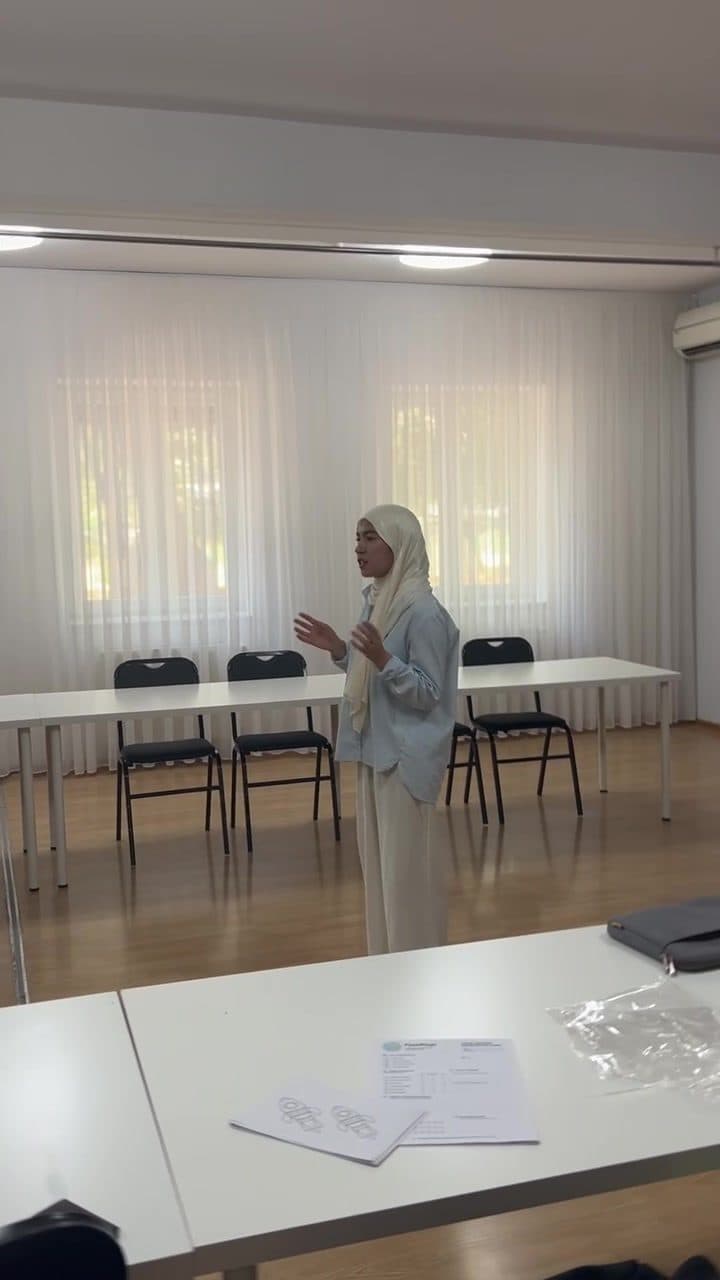
We built this because the gap in section three isn't abstract — it shows up in real classrooms and therapy rooms.
FlexiKeys is led by Sherbekova Charos (founder) and Abdulloh Ochilov (co-founder), with Madxiddinov Shoxjahon building the product. The team set out to answer one specific question: what would a literacy app look like if it were designed for a child with limited motor precision first, instead of retrofitted for them later?
That question shaped every decision in the product — from how the adaptive engine measures hesitation and touch offset, to the rule that a struggling child never sees a red X or a buzzer. It also shaped how we chose to validate the idea: by bringing an early version directly to a rehabilitation center and watching real children use it, rather than waiting for a polished version to test.
How it works
An engine that watches how a child actually performs, and adjusts within limits.
Every tap is measured — target vs. actual key, hesitation before the first touch, how far off-center a touch lands, and whether accuracy drifts down over a session. The engine turns those signals into small, gradual interface changes. Nothing jumps; a child never notices a sudden shift.
Open FlexiKeys
Complete adaptive activities
System adjusts difficulty
Track progress
Accuracy stays low across a session
Key size grows gradually (up to 2×)
Response time runs high
Press-and-hold time increases, filtering slips
Accidental taps are frequent
Repeat-tap sensitivity is reduced
Accuracy is consistently strong
No change — adaptation is invisible until needed
In simulated testing of a struggling-child profile (50 keystrokes, ~38% accuracy), the engine grew key size to 1.35× and raised guidance level within the session — then left a fast-learning profile completely unchanged. That behavior is unit-tested, not just described.
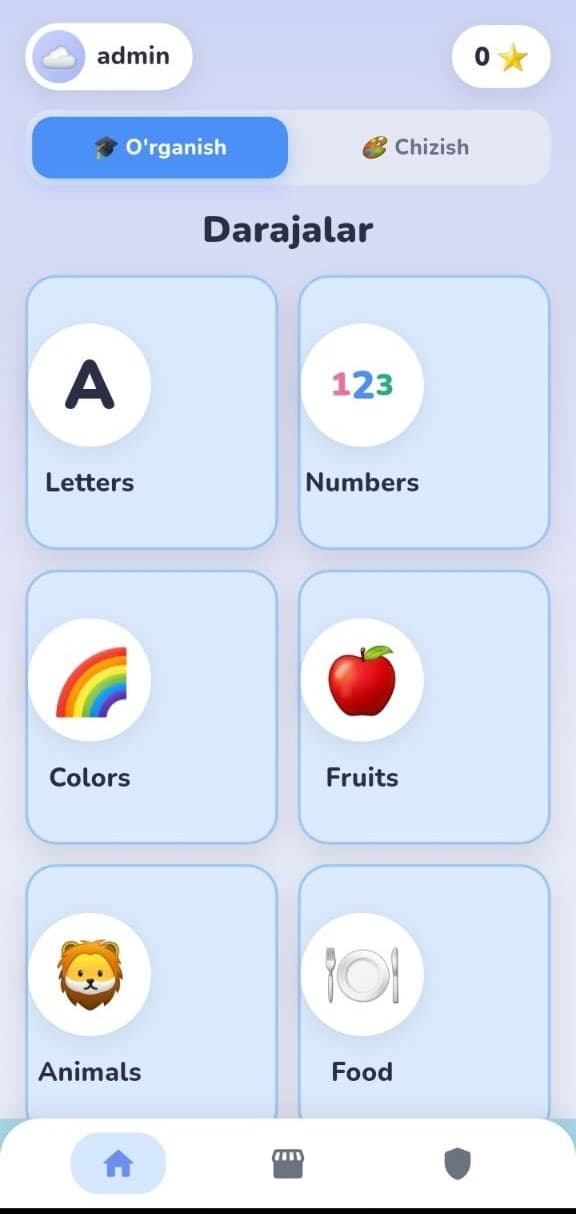
Home & levels
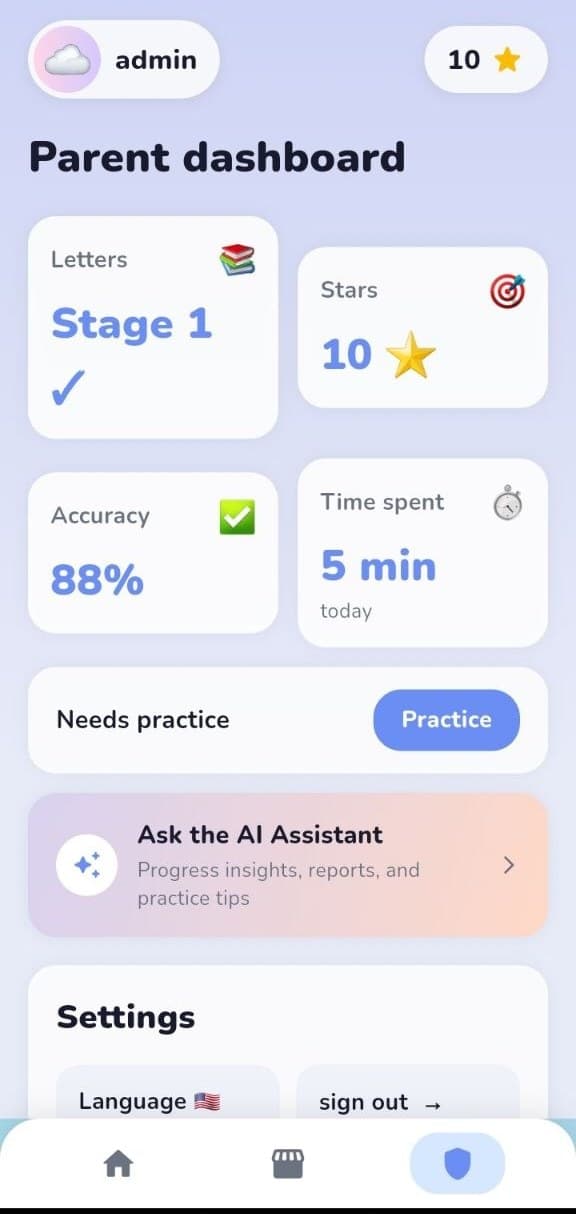
Parent dashboard
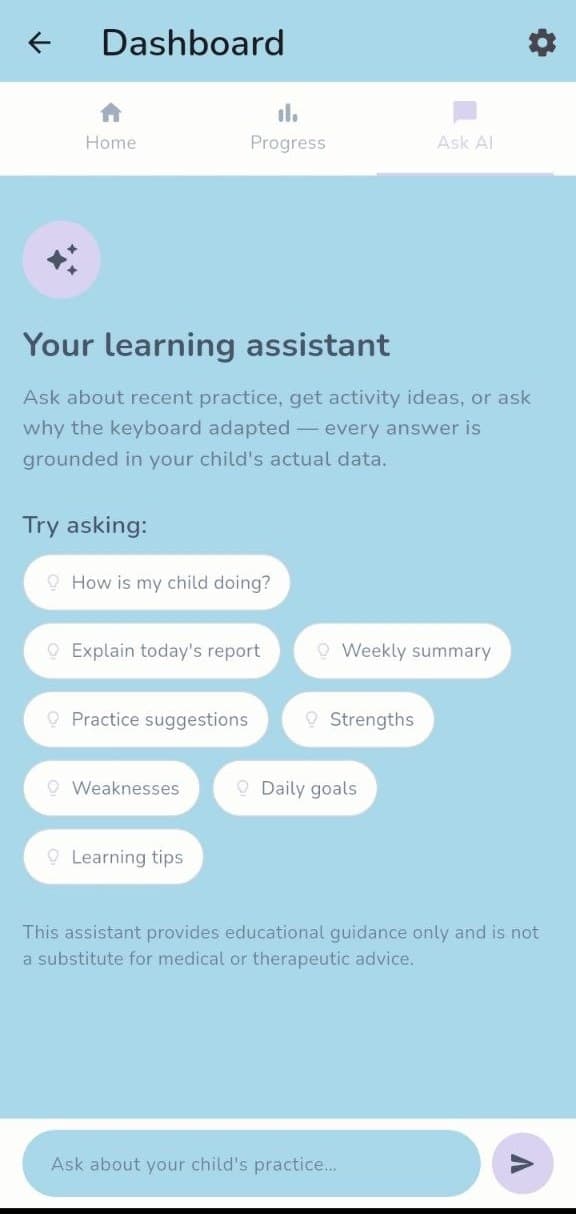
Parent assistant
Product principles
What we hold ourselves to, on the record.
Accessibility first
Touch targets, timing, and error handling are designed for the hardest case first, then verified to work for every child.
WCAG 2.1 AA reviewedEvidence driven
Every adaptation rule ships with a test proving the metric-to-adjustment mapping works, checked against real testing before we call it done.
Adaptive engine, bounded & unit-testedBuilt with families
The product is shaped in the room with the children and caregivers who use it — testing sessions inform the roadmap, not just validate it afterward.
Field-tested with real familiesPrivacy by design
Children are identified by a pseudonymous ID, never a name or birthdate. No third-party analytics touch the child experience.
COPPA / GDPR-K awareEvidence
What our first real-world test told us
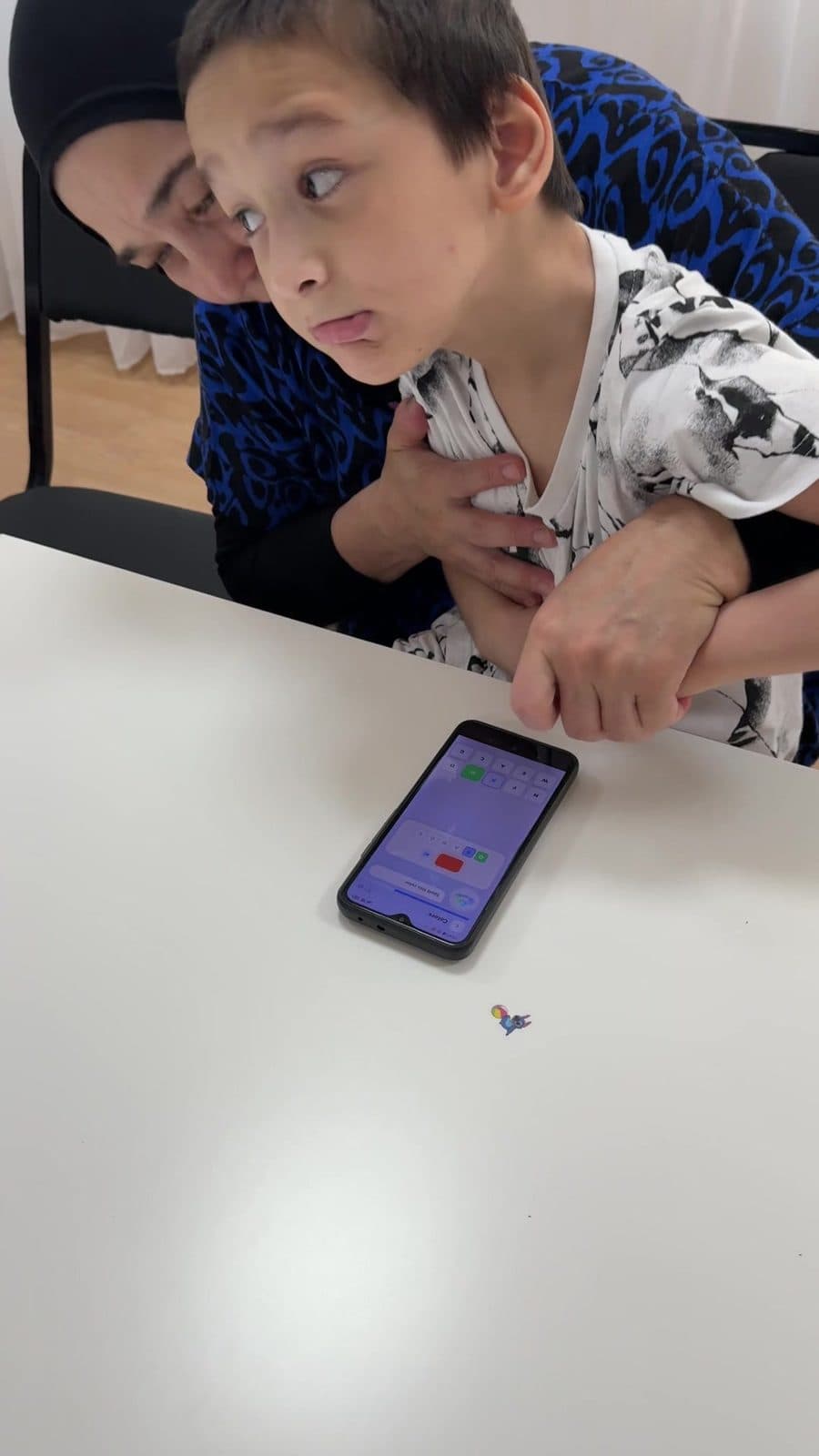
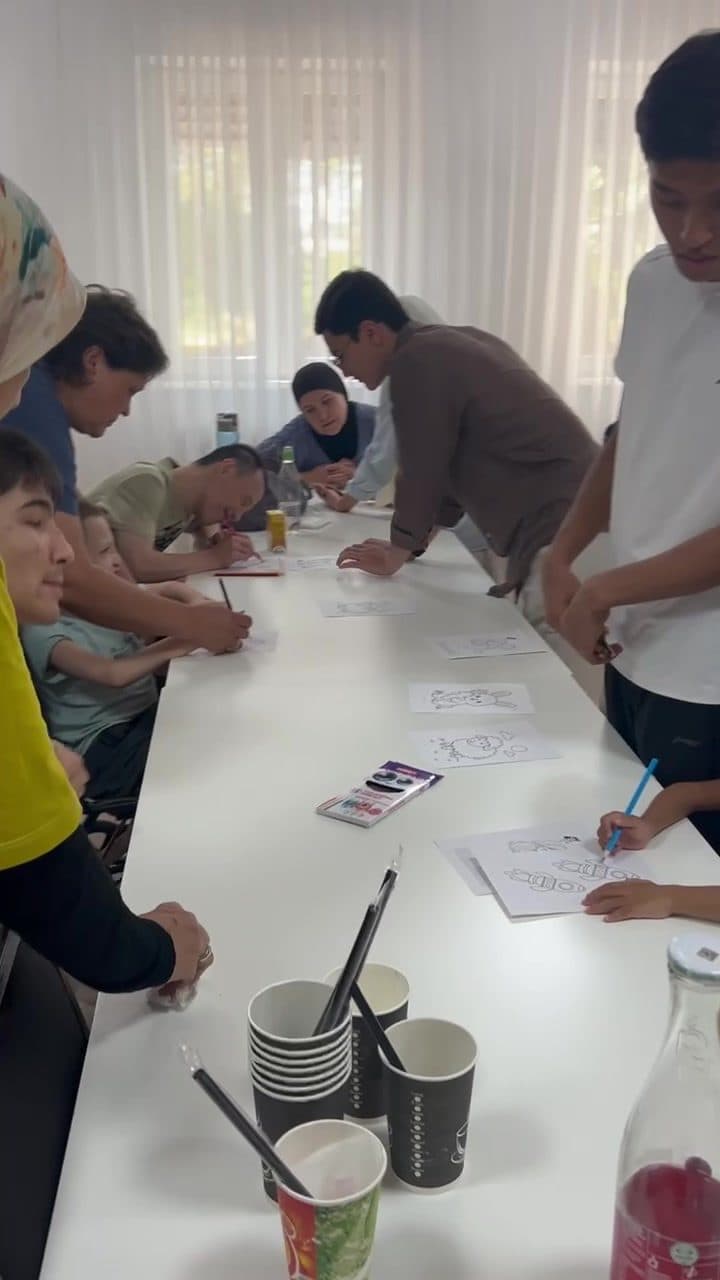
We ran a structured usability session with children, parents, and caregivers at a rehabilitation center — observing, with a written protocol, how children used the adaptive keyboard and drawing activities largely on their own. This is one early test, not a clinical trial, and we treat it that way below.
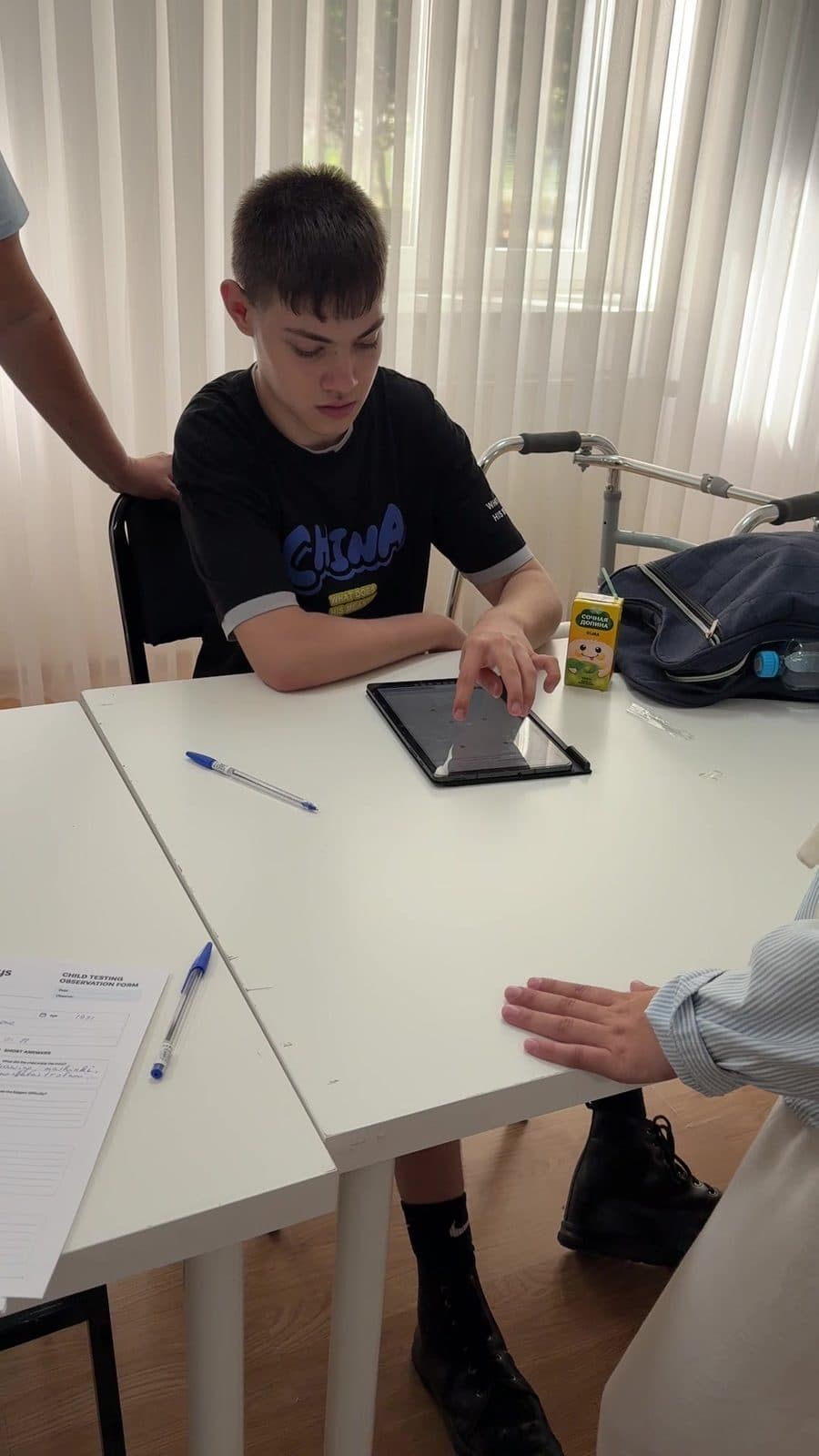
A real session, not a staged photo: an observation form on the table, testing a child using his own mobility aid.
What we validated
Children were willing to engage with the application, and parents showed genuine interest in the concept. Even as an early MVP, the testing confirmed that the problem is real and that there is demand for a digital tool designed for children with developmental and learning differences.
What we learned
Children interacted with the product in different ways and at different speeds — some quickly understood the activities, while others benefited from additional guidance. We also learned that real rehabilitation environments are naturally dynamic, which makes clear onboarding and well-defined facilitator roles just as important as the product itself. The first session wasn't frictionless, and we're not presenting it as if it were — that honesty is the point.
What we're improving
Following the first validation session, we are:
- Simplifying the onboarding experience
- Improving the first-time user flow
- Refining learning activities based on direct observation
- Improving our own user-testing process
- Scheduling regular validation sessions every one to two weeks with children, parents, caregivers, and rehabilitation centers
Built with real families. Improved through real feedback.
Built to be trusted
We reviewed our own work against real standards, and published what we found.
For rehabilitation centers, schools, and reviewers who need to check this before bringing it to families — the summary is below, and the full detail is one click away.
Accessibility
ReviewedReviewed against WCAG 2.1 AA — including open items we haven't finished yet, listed honestly.
Security
ReviewedAssessed against OWASP ASVS Level 2 across authentication, session handling, and access control.
Child privacy
DocumentedCOPPA / GDPR-K–aware data handling: pseudonymous child IDs, no third-party analytics in the child experience.
Who this is for
Find your own way in.
Parents
A companion that adapts to your child, quietly — never a separate mode, never a label your child can see.
Rehabilitation centers
Invite us to test with your families — we're scheduling sessions every one to two weeks and want your observations shaping the roadmap.
Inclusive schools
A curriculum built for a wide range of ability from the start, not adapted after the fact.
Therapists
Progress reporting in plain language, grounded in real data — built to support your work, not replace your judgment.
Partners & investors
See where the product is today, what we learned from real testing, and where it's going next.
Future team members
A small team building with real engineering discipline on a problem that matters. We're just getting started.
Vision
What's built, what's next, and what we're building toward — kept separate on purpose.
- 16 learning levels — letters through stories — plus a drawing and fine-motor module
- Adaptive engine: key size, timing, and hint level adjust to real performance
- Parent dashboard and assistant, grounded in each child's own data
- Built in English, Uzbek, and Russian
- A simpler first-time onboarding flow, direct from our first testing round
- Regular validation sessions every one to two weeks with families and centers
- Expanding testing partnerships beyond our first rehabilitation center
- Every child, regardless of ability, reaching real digital independence
- An adaptive engine that keeps learning alongside the child, not just the curriculum
- A tool trusted by rehabilitation centers and schools as standard practice, not a novelty
Team
A small team, building in the room with the families we serve.

Sherbekova Charos
Founder
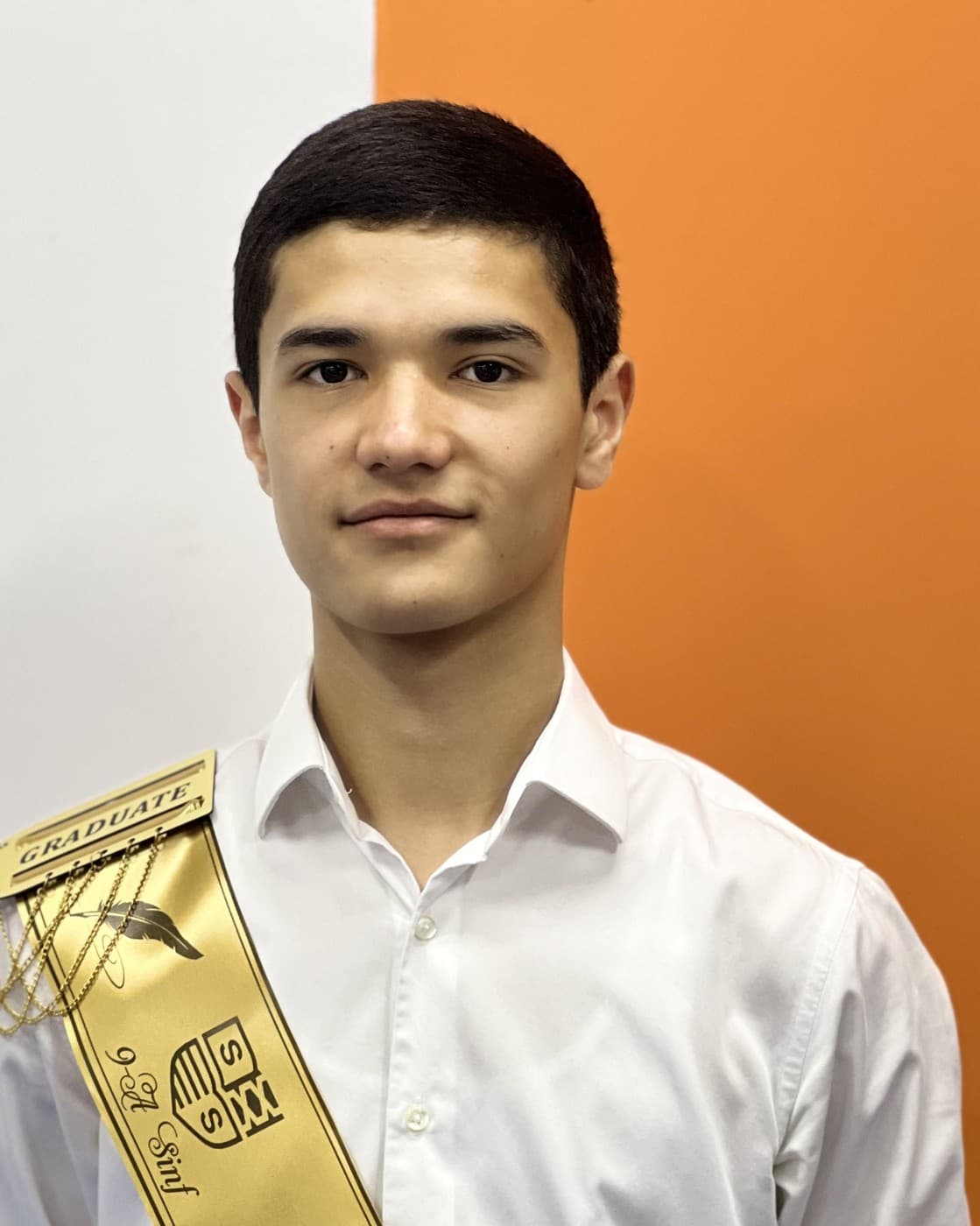
Abdulloh Ochilov
Co-founder
Madxiddinov Shoxjahon
Developer
Whichever seat you're in, we'd like to talk.
Families & rehabilitation centers
Join our next testing round, or bring FlexiKeys to the families you work with.
Join testingSchools & therapists
Ask about the curriculum, the adaptive engine, or piloting FlexiKeys in your setting.
Get in touchInvestors & partners
See where we are, what we've learned, and where FlexiKeys is going next.
Talk to the teamEvery message on Telegram is answered personally by the team — no support queue.